
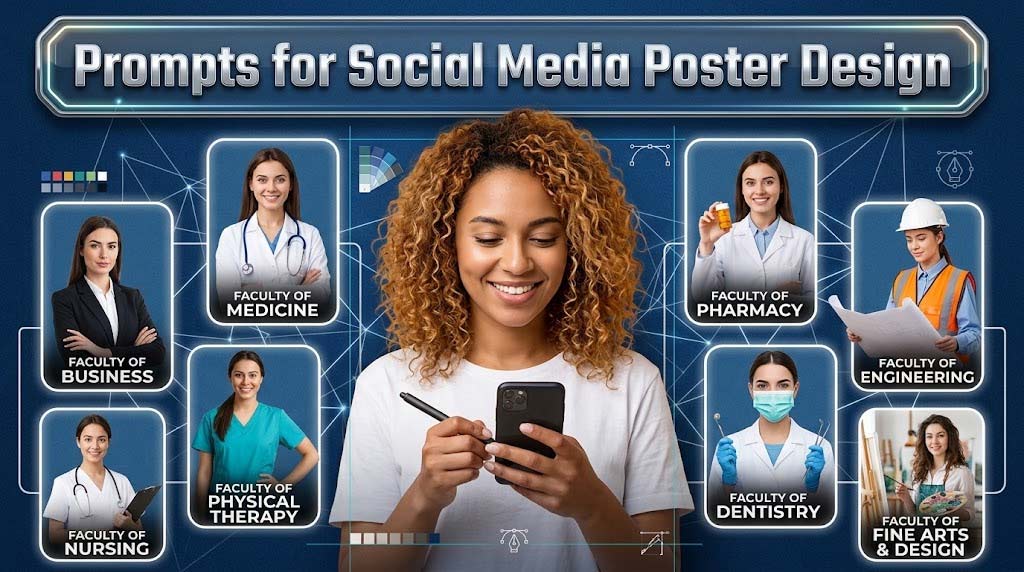
✨ AI Prompts for Social Media Poster Design
Generate scroll-stopping layout concepts, high-converting ad copy, and Midjourney background assets for your next digital marketing campaign.
27 Essential Poster Design Prompts
Speed up your Canva workflow. Use these prompts to generate copy, plan out visual hierarchy, or render bespoke background assets using AI image generators.
Designing for the Algorithm
In the digital age, a poster isn't just a flyer on a wall; it's a piece of content fighting for attention against thousands of others in a social media feed. By combining AI copy generation for punchy headlines and AI image generation for unique backgrounds, you can create scroll-stopping visual hierarchy.
"I manage social media for three different cafes. Using the 'Negative Space Product Layout' and the 'Punchy Ad Copy' prompts, I generate gorgeous Midjourney backgrounds, paste the exact copy ChatGPT gives me over it in Canva, and I have a week's worth of professional promo posters done in an hour."


How to Use AI for Social Media Poster Design
Graphic design for social media requires a delicate balance of eye-catching visuals and persuasive copywriting. If the image doesn't stop the scroll, the text won't be read. If the text is boring, the viewer won't click. By combining tools like Midjourney (for visual assets), ChatGPT (for copy and layout strategy), and Canva (for final assembly), you can build professional social media posters incredibly fast.
Here is a systematic approach to prompting AI for poster design.
1. Generating Negative Space in Midjourney
The biggest mistake people make when using AI image generators for posters is generating images that are too busy. If the image is full of details, you have nowhere to put your text. When prompting Midjourney or SeaArt, explicitly ask for "negative space" or "solid color studio background on the left side."
Example Prompt: "A hyper-realistic cup of coffee placed on the far right edge of the frame. The left side is completely empty solid pastel pink negative space for typography. Minimalist, studio lighting. --ar 1:1"
2. The "3-Element" Typography Rule
A social media poster is not a brochure. It should only contain three pieces of text: A bold Headline, a short explanatory Subheadline, and a clear Call to Action (CTA). You can prompt ChatGPT to act as your copywriter: "Write poster copy for a Black Friday shoe sale. Give me a 3-word punchy headline, a 1-sentence subheadline creating urgency, and a 2-word CTA."
3. AI Poster Design Workflows
| Design Element | AI Tool | Prompting Strategy |
|---|---|---|
| Background / Hero Image | Midjourney / DALL-E | Specify aspect ratio (e.g., --ar 9:16 for Stories) and demand "clean negative space." |
| Ad Copy & Headlines | ChatGPT / Claude | Use frameworks like PAS (Pain-Agitate-Solve) or FOMO (Fear of Missing Out). |
| Layout & Visual Hierarchy | ChatGPT | Ask AI to describe the exact visual hierarchy (e.g., "Place the CTA in a high-contrast pill button"). |
4. Understanding Platform Layout Safe Zones
Designing an Instagram Story requires different constraints than a LinkedIn post. For example, Instagram Stories have "dead zones" at the top (where the user's profile picture is) and the bottom (where the reply box is). Prompt ChatGPT to give you a Canva layout guide: "Design a layout for a 9:16 Instagram Story. Tell me exactly where to place the text to avoid the UI dead zones at the top and bottom."
5. Emulating Specific Design Trends
To keep your brand looking fresh, use AI to explore specific design trends. Instead of a generic "sale" poster, ask ChatGPT to design a layout using "Brutalist Typography" or "Swiss Style Grid Design." Then, use Midjourney to generate background assets using terms like "Y2K nostalgic halftone textures" or "3D soft pastel claymorphism." AI acts as your personal art director, ensuring your posters never look outdated.