









Password Generator
Automatic Password
Custom Password
Complexity Level:
A password generator tool is a software program or service that automatically creates strong, unique, and complex passwords. Its main purpose is to replace easily guessed passwords (like “password123” or “qwerty”) with ones that are extremely difficult for both humans and computers to crack. Using unique, strong passwords for every single one of your online accounts is one of the single most effective ways to protect your personal information from data breaches and identity theft.
Here is a comprehensive guide to password generate tools, categorized for clarity.
Types of Password Generator Tools
1. Password Manager Integrated Generators (Recommended)
This is the most secure and convenient method. When you create a new online account or change a password, your password manager’s built-in generator will pop up and offer to create a random, strong password for you. It then autofills and saves it in your encrypted vault.
Why they’re best:
- Seamless workflow: Generates, fills, and saves in one step.
- Higher security: The process happens locally within your encrypted browser extension or app, never sending the plain-text password to a remote server.
- Convenience: You never need to remember or type a complex password.
Examples of Password Managers with Great Generators:
- Bitwarden: Widely regarded as one of the best free and open-source password managers. Its generator is robust and offers passphrase generation.
- 1Password: Known for its polished user experience and “Smart Password” feature, which adapts the generated password to match the specific rules of the website you are on.
- NordPass: Often cited as a top-overall generator for its combination of a user-friendly interface and highly customizable settings.
- LastPass: Offers a versatile online generator and a full-featured in-app tool for its subscribers.
2. Stand-alone Online Generators
These are web-based tools where you can go to generate a password quickly. You can then copy and paste the result to where you need it.
Examples:
- RANDOM.ORG: A highly secure option that generates randomness from atmospheric noise rather than a computer algorithm.
- ESET Password Generator: A free online tool from a respected cybersecurity company, using mathematically robust algorithms.
- Delinea Strong Password Generator: A quick and easy-to-use web tool with essential customization options.
Important Security Note for Online Generators: While convenient, only use online generators on reputable, secure sites (look for https://). As a general rule, never use an online service to generate a password for your most critical accounts, such as online banking, primary email, or a password manager itself. For those, it’s safer to use the generator integrated into a trusted password manager or create one manually using a secure method.
What to Look for in a Good Password Generator
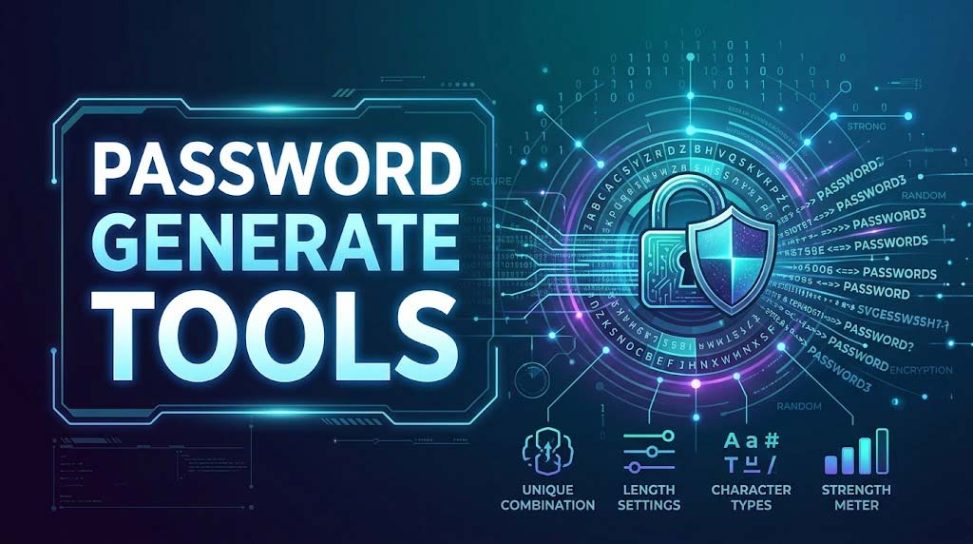
A quality password generator should offer several key features:
| Feature | Description | Why it matters |
| Length Customization | Allows you to choose the exact length of your password, from 8 to over 100 characters. | Longer is always stronger. Many modern accounts recommend 12–16 characters or more. |
| Character Type Control | Toggles for Uppercase (A-Z), Lowercase (a-z), Numbers (0-9), and Symbols (!@#$%). | Specific sites have different requirements, and including all types significantly increases complexity. |
| Exclude Ambiguous Characters | The ability to exclude similar-looking characters like 1, l, I, 0, O. | This makes it easier to read and manually type the password if you ever have to. |
| Passphrase Option | Generates a sequence of random, common words (e.g., “correct-horse-battery-staple”). | These are much easier to remember for humans but are still extremely hard for computers to crack due to their length. |
| Cryptographically Secure Pseudo-Random Number Generator (CSPRNG) | The underlying engine of the tool. | This ensures the randomness of the generated password is of a high quality and is truly unpredictable, which is critical for security. |
Leave a Reply