









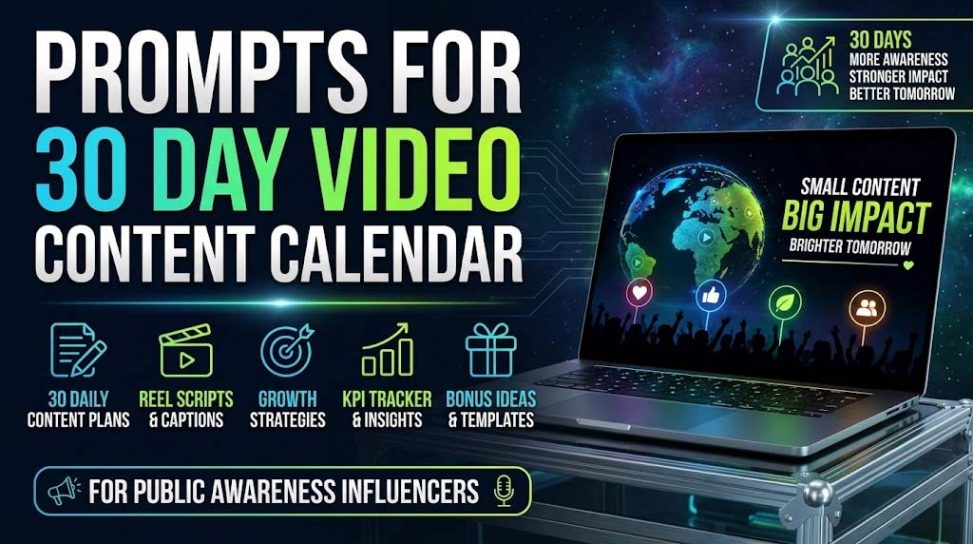
🗓️ AI Prompts for 30-Day Content Calendars
Stop guessing what to post. Configure your platform, niche, and frequency to generate a highly structured, algorithm-friendly 30-day video content calendar.
27 Content Calendar Templates
Batch your content creation effectively. Use these specialized prompts to build robust 30-day systems that organize your hooks, topics, and filming days.
Consistency Without Burnout
The single biggest reason creators and brands fail on video platforms is inconsistency. Trying to decide "what to post today" is a recipe for burnout. By using AI to map out 30 days of content around specific content pillars, you can film an entire month's worth of video in just one weekend.
"I used to stress every morning about what TikTok to film for my e-commerce brand. I used the '3 Content Pillars' and 'Batch Filming' prompts here, and ChatGPT generated a massive grid with hooks, visual ideas, and captions for the whole month. Now I film everything on Sunday and schedule it out."

How to Build a 30-Day Video Content Calendar with AI
In the modern creator economy, consistency is just as important as quality. Whether you are running a brand's social media presence or trying to grow a personal YouTube channel, waking up and wondering, "What should I film today?" is the fastest path to burnout. The solution is a robust, pre-planned 30-Day Content Calendar. With the help of AI tools like ChatGPT, you can generate a highly strategic month of content in minutes.
Here is how to properly prompt an AI to act as your personal content strategist.
1. Define Your 3 Content Pillars
A successful calendar doesn't just feature random topics. It rotates between strategic "Content Pillars." For example, a fitness coach might have three pillars: 1. Workout Tutorials (Value), 2. Client Transformations (Social Proof), and 3. Myth-Busting (Virality). You can ask AI to define these for you: "Act as a social media strategist. Analyze my niche of [Your Niche] and provide 3 distinct Content Pillars I should rotate through to build authority and drive sales."
2. The "Hub and Spoke" Repurposing Method
"Don't try to come up with 30 unique ideas. Come up with 4 massive ideas (Long-form), and use AI to chop them into 26 micro-ideas (Shorts)." — YouTube Growth Expert
If you create long-form YouTube videos or podcasts, you can use the Hub and Spoke model. Prompt ChatGPT: "Here is the transcript of my 10-minute video on [Topic]. Extract the 7 most engaging, standalone points and turn each one into a hook and concept for a 60-second YouTube Short."
3. Structuring the AI Prompt
| Calendar Component | Why It Is Needed | AI Output Requirement |
|---|---|---|
| The Hook | To stop the scroll immediately. | Require the AI to provide a specific 3-second script hook. |
| The Visual / B-Roll | To know exactly what to film. | Require the AI to describe the on-screen action or text popup. |
| The Call to Action (CTA) | To drive the specific goal of that post. | Vary the CTA (e.g., "Save this," "Comment X," "Link in bio"). |
4. Generating a Batch Filming Schedule
Once you have 30 ideas, you need to execute them efficiently. Filming one video a day is exhausting. Instead, "batch film." You can ask ChatGPT to reorganize your 30-day calendar into a weekend filming itinerary. Prompt: "Take these 30 video ideas and organize them into a 2-day batch filming schedule. Group similar videos together by location or outfit change to maximize my efficiency."
5. Factoring in Platform Trends
A rigid calendar can miss out on viral trends. When generating your 30-day plan, always prompt the AI to leave "Trend-Jacking Slots." Instruct the AI: "Leave every Friday open for a 'Reactive Trend' post, where I will use a trending audio or meme format and adapt it to my niche." This gives your calendar the perfect balance of evergreen value and algorithmic relevance.
Leave a Reply