
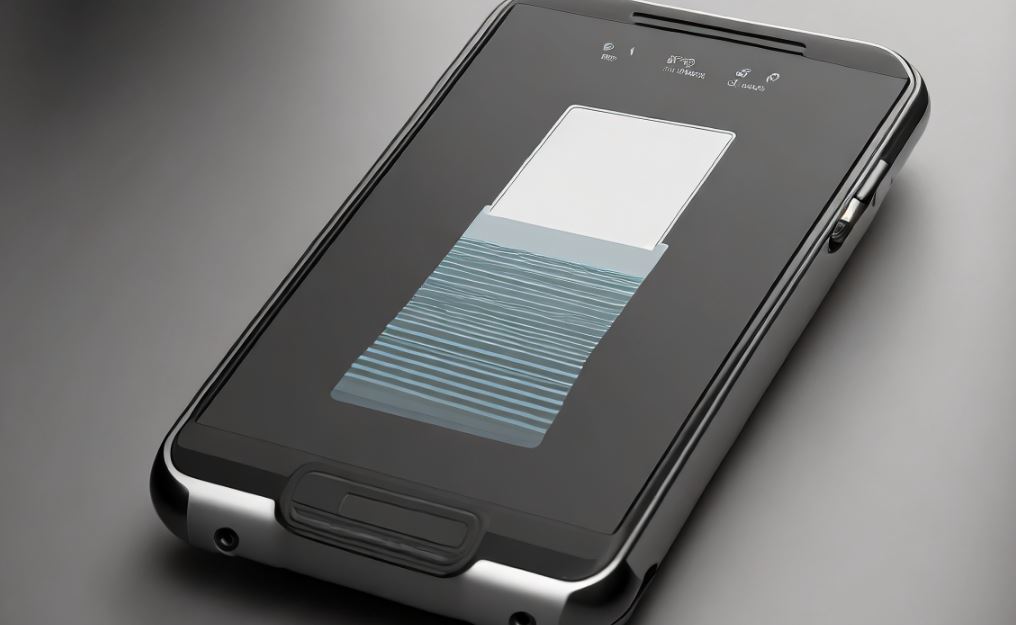
Top 10 Scanner Apps for Android
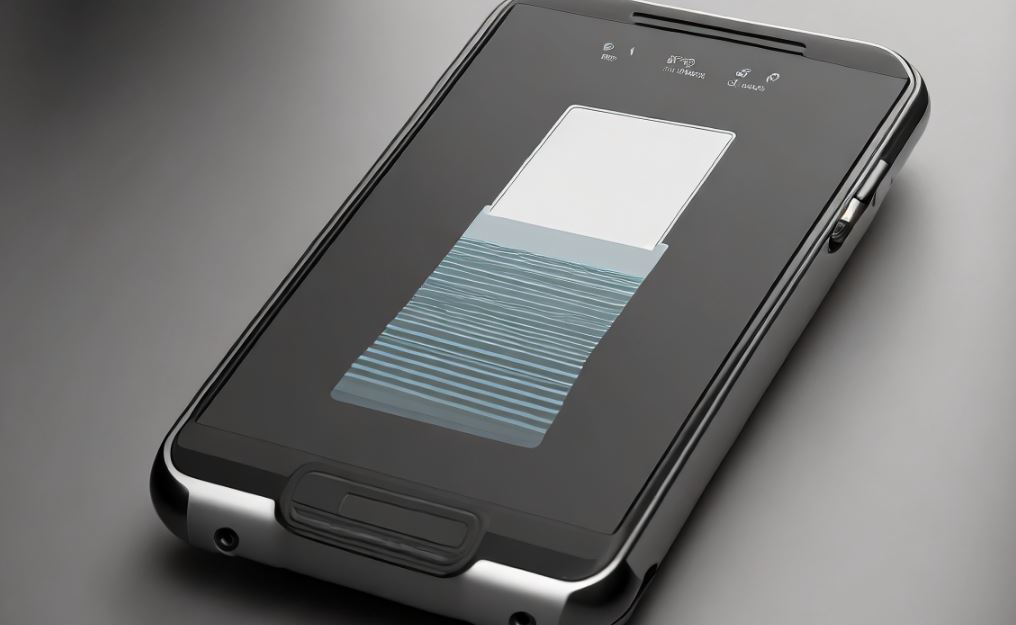
Transform your Android device into a portable scanner with dedicated apps. Install a scanner app, position documents within the camera frame, and capture high-quality scans. Explore features like OCR for text extraction and cloud storage integration for easy document management.
1. CamScanner
Document Scanner: CamScanner is a widely used document scanner app that allows users to scan, store, and share documents. It features smart cropping, image enhancement, and OCR technology for text recognition.
- Document scanner with smart cropping
- Image enhancement and OCR technology
- Scan, store, and share documents
- App Link: CamScanner – Google Play
2. Adobe Scan
PDF Scanner with OCR: Adobe Scan turns your device into a powerful PDF scanner. It includes OCR technology for text recognition, automatic document detection, and the ability to create, edit, and sign PDFs.
- PDF scanner with OCR technology
- Automatic document detection and correction
- Create, edit, and sign PDF documents
- App Link: Adobe Scan – Google Play
3. Microsoft Office Lens
Intelligent Document Scanner: Microsoft Office Lens is an intelligent document scanner that trims, enhances, and makes pictures of whiteboards and documents readable. It integrates with Microsoft 365 for seamless collaboration.
- Intelligent document scanner with trimming and enhancement
- Make pictures of whiteboards and documents readable
- Integration with Microsoft 365 for collaboration
- App Link: Microsoft Office Lens – Google Play
4. Scanbot
PDF Scanner with Cloud Integration: Scanbot is a PDF scanner app with cloud integration. It offers features like smart cropping, text recognition, and the ability to send scanned documents to cloud services like Dropbox and Google Drive.
- PDF scanner with smart cropping
- Text recognition and document optimization
- Send scanned documents to cloud services
- App Link: Scanbot – Google Play
5. Tiny Scanner
Mobile Document Scanner: Tiny Scanner transforms your device into a mobile document scanner. It offers features like color adjustments, page edge detection, and the ability to organize and share scanned documents.
- Mobile document scanner with color adjustments
- Page edge detection for accurate scans
- Organize and share scanned documents easily
- App Link: Tiny Scanner – Google Play
6. Genius Scan
PDF Scanner with Smart Page Detection: Genius Scan is a PDF scanner app with smart page detection. It automatically detects page edges, enhances scans, and allows users to export documents to various formats.
- PDF scanner with smart page detection
- Automatic detection of page edges for precise scans
- Export scanned documents to various formats
- App Link: Genius Scan – Google Play
7. Clear Scanner
Fast Document Scanning: Clear Scanner is a fast and efficient document scanning app. It offers features like batch scanning, document editing, and the ability to save scanned documents in various formats.
- Fast and efficient document scanning app
- Batch scanning and document editing features
- Save scanned documents in various formats
- App Link: Clear Scanner – Google Play
8. TurboScan
High-Quality Document Scanner: TurboScan is a high-quality document scanner with advanced features. It offers multiple scanning modes, automatic edge detection, and the ability to email or upload scanned documents.
- High-quality document scanner with advanced features
- Multiple scanning modes and automatic edge detection
- Email or upload scanned documents easily
- App Link: TurboScan – Google Play
9. Smart Doc Scanner
Intuitive Document Scanning: Smart Doc Scanner provides an intuitive document scanning experience. It features automatic document edge detection, color adjustments, and the ability to organize and share scanned documents.
- Intuitive document scanning with automatic edge detection
- Color adjustments for optimized scans
- Organize and share scanned documents with ease
- App Link: Smart Doc Scanner – Google Play
10. Handy Scanner
Mobile Scanner with Filters: Handy Scanner is a mobile scanner app with various filters for document enhancement. It offers features like multi-page scanning, cloud integration, and the ability to export scans in different formats.
- Mobile scanner app with filters for document enhancement
- Multi-page scanning and cloud integration
- Export scans in different formats
- App Link: Handy Scanner – Google Play
Using Scanner Apps for Android:
- App Installation: Download and install a reputable scanner app from the Google Play Store.
- Document Positioning: Align documents within the camera frame for accurate and clear scans.
- High-Quality Capture: Capture scans in well-lit environments to ensure high-quality and legible results.
- OCR Text Extraction: Utilize Optical Character Recognition (OCR) for extracting text from scanned documents.
- Cloud Storage Integration: Explore options for integrating scanned documents with cloud storage services.
Scanner App Tips:
Optimize your scanning experience on Android with these tips. Adjust image settings for clarity, use batch scanning for multiple documents, and explore annotation features for document markup. Regularly update the app for new features and enhanced performance.
- Image Settings Adjustment: Adjust image settings like contrast and brightness to enhance scan clarity.
- Batch Scanning: Use batch scanning to streamline the process when scanning multiple documents consecutively.
- Annotation Features Exploration: Explore annotation features for adding notes or markup directly on scanned documents.
- App Updates: Keep the scanner app updated to access the latest features, improvements, and security patches.
- Explore Export Options: Familiarize yourself with various export options to share scans through email, messaging, or cloud services.
What to Do, What to Don’t:
Navigate scanner apps on Android effectively with these dos and don’ts. Do organize scanned documents, secure sensitive information, and utilize app settings for optimal results. Don’t overlook privacy settings, compromise document quality, or share sensitive scans through insecure channels.
- Document Organization: Organize scanned documents within the app or transfer them to designated folders for easy retrieval.
- Privacy Settings Awareness: Be aware of and adjust privacy settings to safeguard sensitive information within the scanner app.
- Quality Prioritization: Prioritize scan quality over speed to ensure accurate and legible results.
- Secure Sensitive Information: Handle sensitive documents with care and avoid sharing them through insecure channels.
- App Settings Utilization: Explore and utilize app settings for customization and optimal scanning results.